Following on from the last post, since I've got TS2 (mostly) working, I thought I may as well make the most of this short burst of energy while I have it. My intention is to finish Jasmine's story by the end of the year. It's literally the last chapter! I can do this!
So Sims 2 works, but whenever I open the Deco > Misc menu and scroll to page 2, the game crashes and closes, so I'm doing the whole clear out downloads and binary sort method. The only problem with that is the actual game takes ages to load. I don't mean the way it takes ages ON the loading screen to load up all the CC. I mean I'll double click, it's there in Task Manager, but it's five minutes before anything comes up on screen. Okay, even with the downloads folder removed, it's still crashing when I open that menu, but it works fine on my old Win7 netbook. But from browsing via Room > Decor I think it might be an outdoor object? Maybe I should restore the disc version of the exe and see if it's just a no-cd crack issue. Guess I'm just screwed, it's not easy to keep the removable DVD drive attached to the tower.
Okay, so my initial Cloud Magna started off as my playing town, so it was all a bit messy. I'm actually redesigning Jasmine's house from scratch. Since my PC can handle loads of polys now, I can actually make the houses look lived in. So I decided to make some custom items, only every file I made crashed the game. It turned out that whatever version of nVidia DDS I was using was the culprit. I found an older version on the Wayback Machine. Here is the link if you're having the same issue.
I've been wondering if it might be worth buying the Legacy Collection on Steam if it goes on sale. I've seen a lot of reports of it being really buggy, so I don't know. Any thoughts?
Anyway, here are some pics of Jasmine's new house.
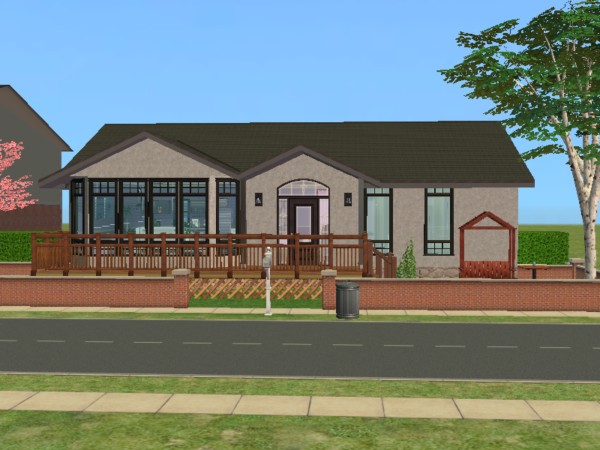
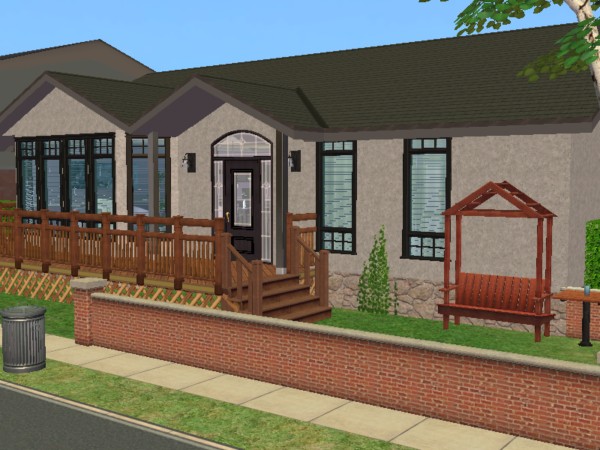
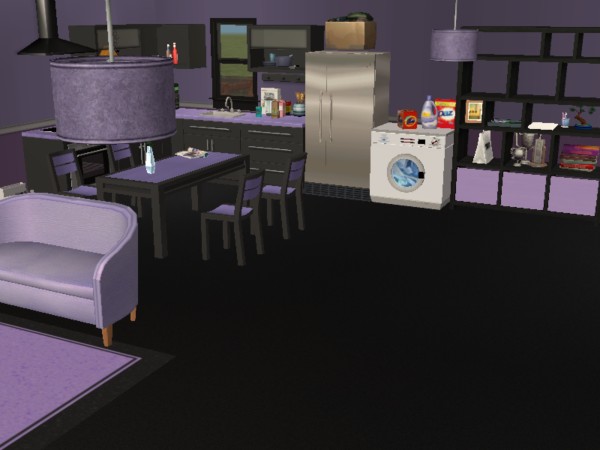
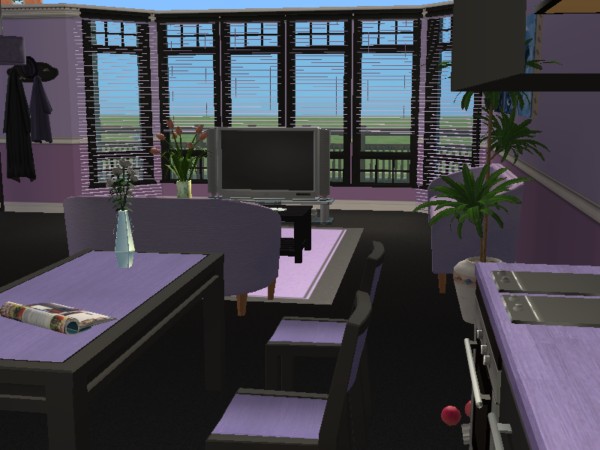
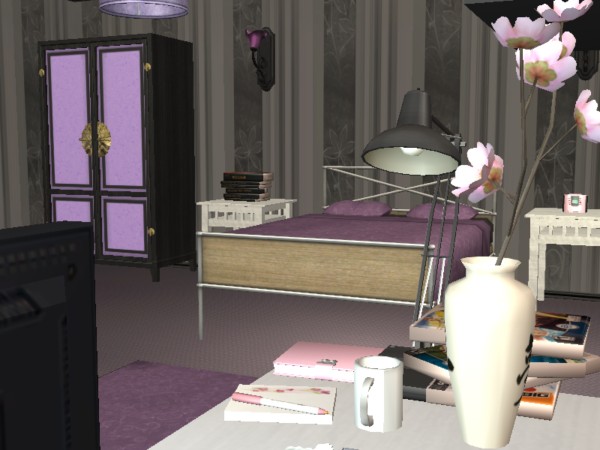
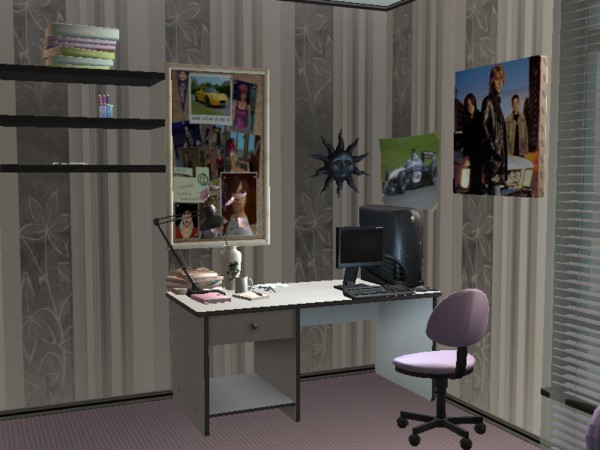
I redid Candy's room as well.
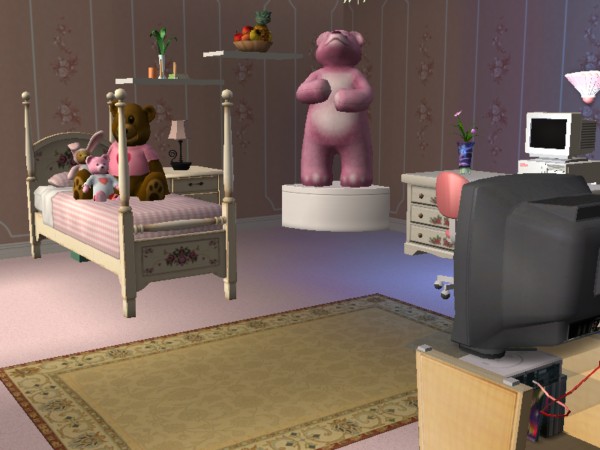
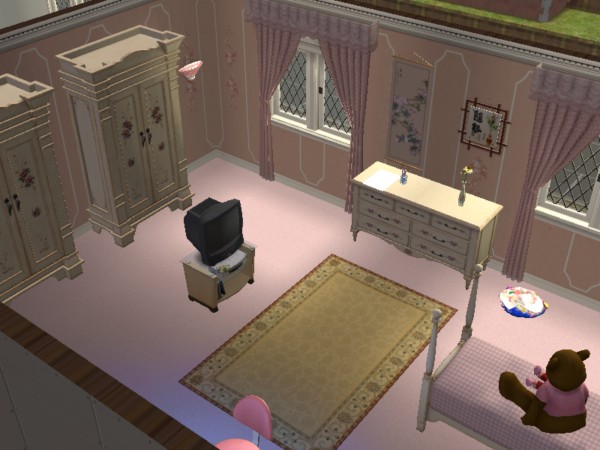
You'll notice that there's no antialiasing on here. The setting is greyed out and I don't know if there's a workaround. I expect there is — buying the Legacy collection.
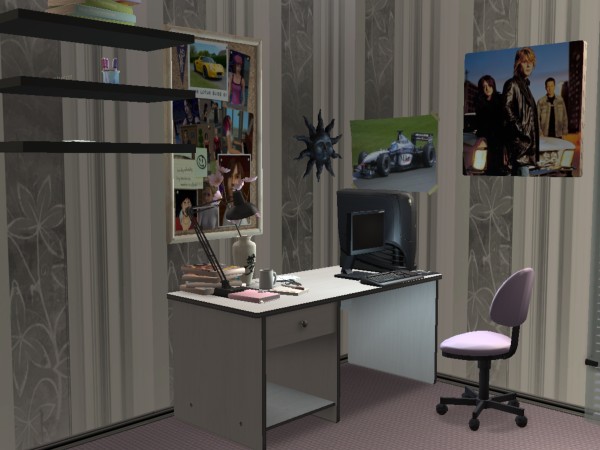
UPDATE: I found a way to fix the antialiasing! After a lot of faff about having to use the Graphics Rules Maker software, which did absolutely nothing, there's a much easier way here. Here's Jasmine's desk with antialiasing on, except I think I need to adjust the camera settings, because the image quality is crap, but the edge smooothing is working now. And so far, no crashing when I take screenshots like it used to on the XP box.